
Last updated: November 5, 2026
IT Equipment Financing for Servers, Networks and Computers
Compare loans and true leases for servers, networking gear, computers and the software that runs on them.
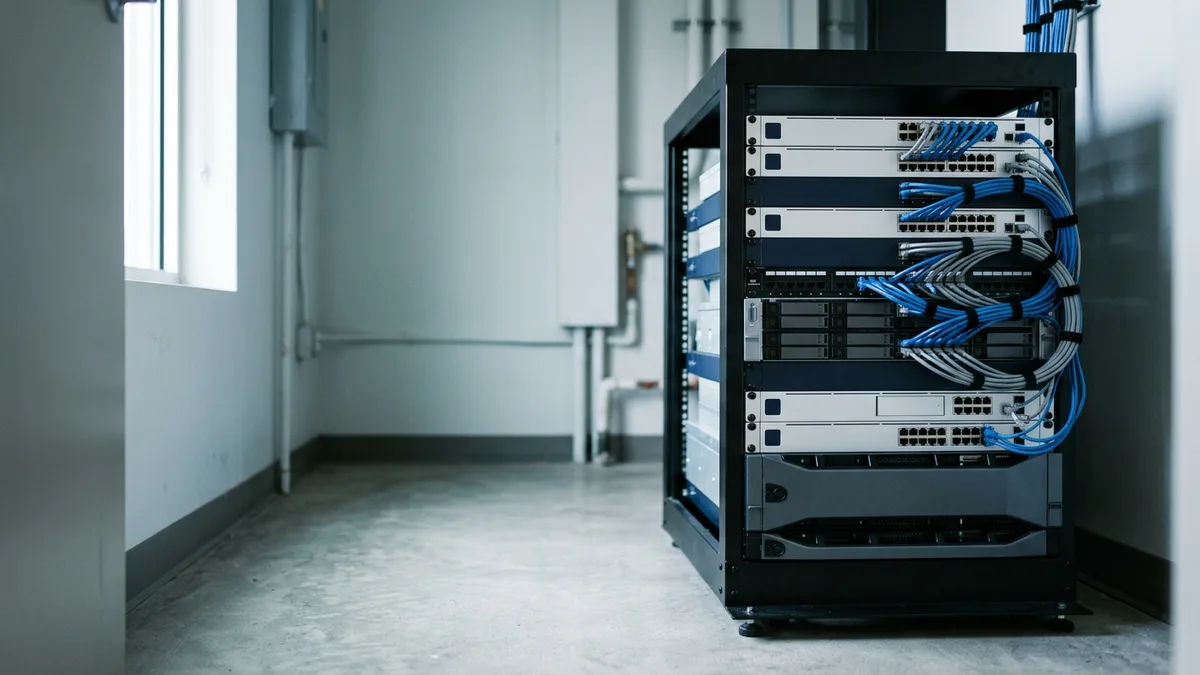
IT equipment financing spreads the cost of servers, networking gear and computers across a loan or lease term. In a true lease, the lessor owns the hardware until the term ends, and you return, renew or buy it.
A network switch can sit in the rack for years. Laptops don’t. A server can keep running long after its maker stops shipping security patches, and by then it’s a risk to the network more than an asset on the company’s books.
Paramount Financial offers true equipment leases, including operating leases, not only loans. This page sits under our guide to commercial equipment financing. Rather talk it through first? Talk to Paramount Financial’s team.
How IT equipment financing works
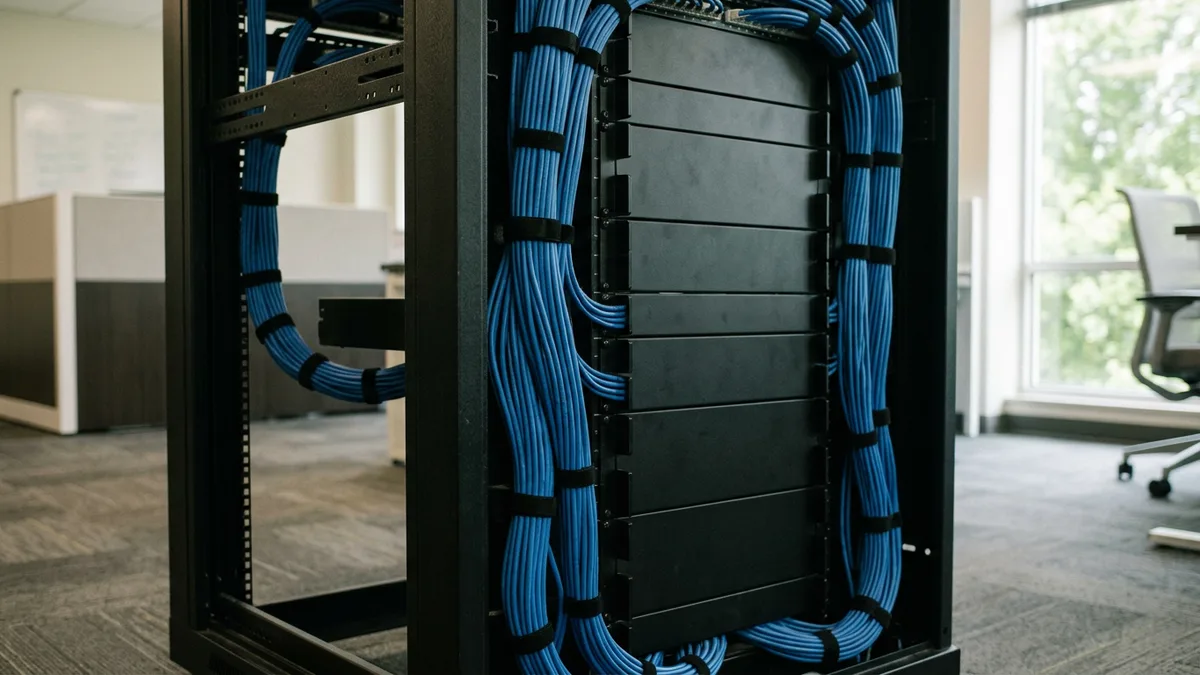
IT equipment financing is a loan, an equipment finance agreement or a lease that pays for technology over time. Under a loan or an agreement, the business owns the hardware and the lender keeps a security interest, while under a true lease the lessor owns it for the term and the business returns it, renews or buys it.
Technology goes stale faster than steel. Say a business replaces its laptops every three years but signs a five-year term. For the last two years, it pays for machines it no longer uses. Match the two.
Servers and storage
Rack and tower servers, storage arrays, and the backup units that sit beside them. The chassis often outlasts its warranty. Capacity needs change first.
Networking
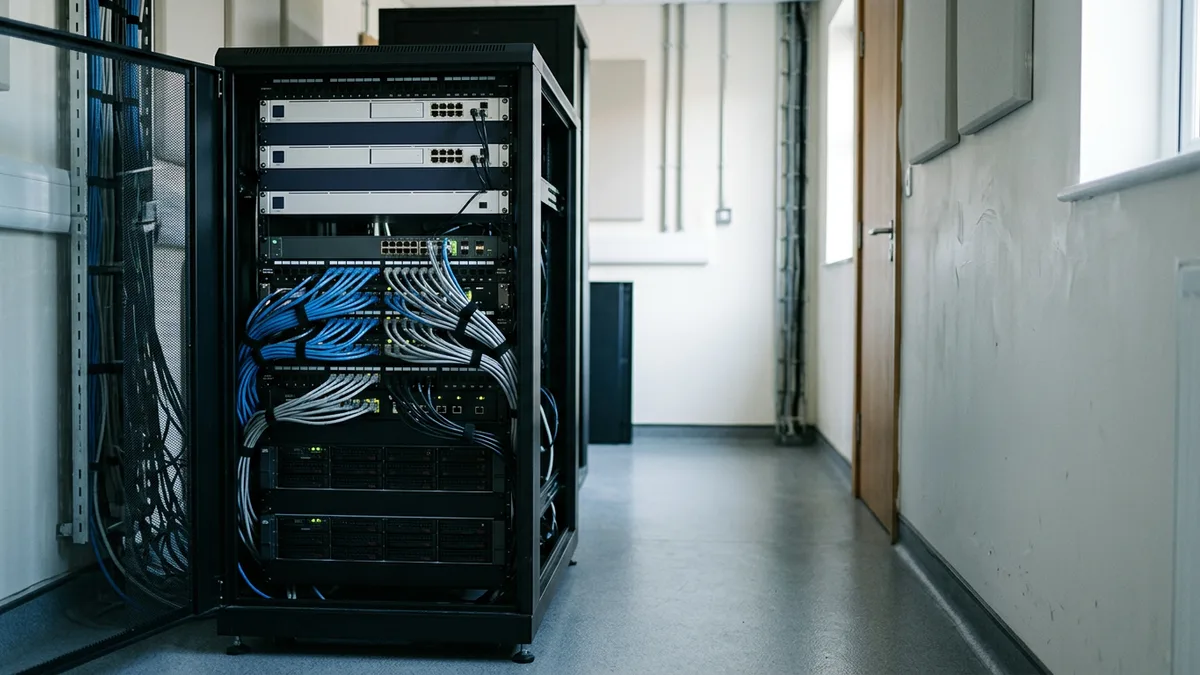
Switches, routers, firewalls and Wi-Fi access points. Firmware support, not the casing, usually sets the end date. Check it.
Computers
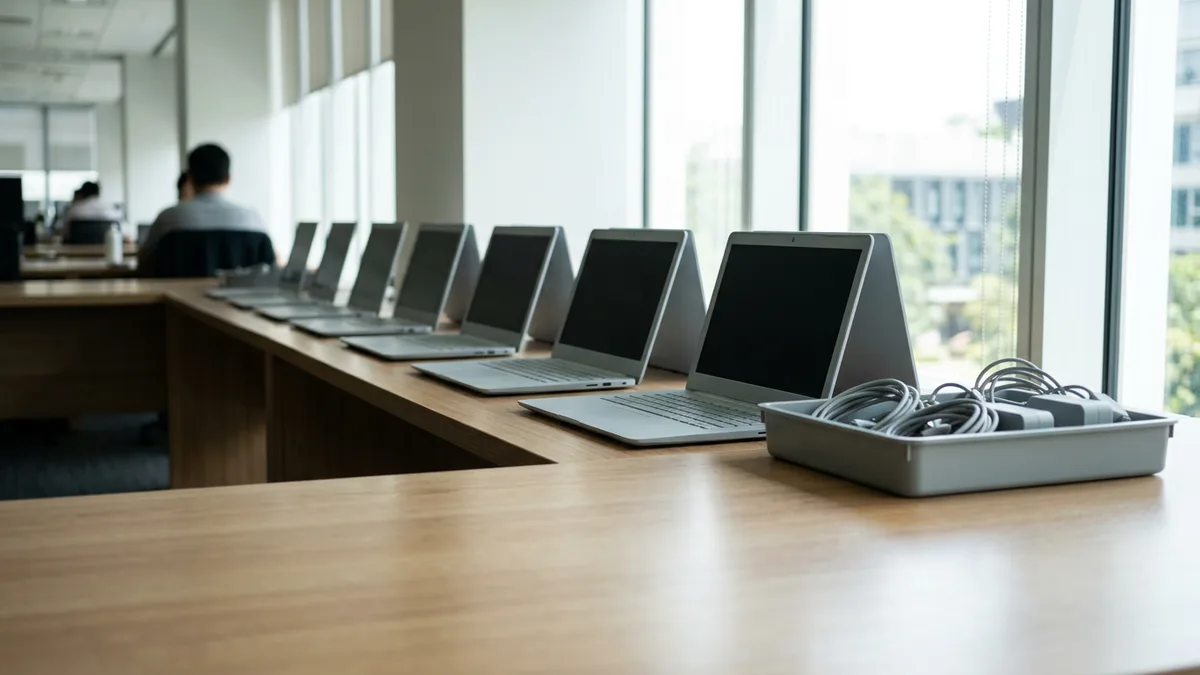
Laptops and desktops, plus the monitors, docks and headsets that go with them. They’re the shortest-lived items on the list and the most numerous. Count them.
Software and setup
Licenses, subscriptions and installation can sit on their own lines. Ask how each one is treated. Then compare quotes.
IT equipment financing: lease, loan or lease to own?
Start with the refresh plan. If you replace laptops every three years, a term longer than that puts payments on machines already sitting in a drawer, and a shorter true lease with the return built in can fit that rhythm. Gear that stays in service for five years or more, like a core switch or a storage array, points toward a loan or a $1 buyout lease, where the goal is to own the equipment when the payments end.
Say a business signs a fair market value lease on twenty laptops. Three years on, the contract prices the buyout at whatever those laptops are worth that day, and the owner decides whether to buy, return or renew. A $1 buyout lease settles that question on day one. Know which you’re signing.
Questions for the lessor
IT equipment, item by item
| Equipment | What ages it | Structure worth pricing first |
|---|---|---|
| Servers and storage arrays | Vendor support dates, capacity and failing drives | A loan or a $1 buyout lease for a core system, a shorter lease if a move to the cloud is planned |
| Switches, routers and firewalls | Firmware and security-update support | A loan for the core, a lease if replacement runs on a schedule |
| Wi-Fi access points | Newer wireless standards and firmware support | A short true lease, or one line on the network quote |
| Laptops and desktops | Operating-system support dates and battery wear | A true lease with a planned return, or a fair market value lease |
| Software licenses and setup | Renewal dates and the number of seats | One line on the quote, or a short agreement tied to the license term |
| Digital signage screens and players | Panel brightness, player software and mounting hardware | A loan or an agreement, with screens, players and mounting itemized |
Say the right-hand column points you toward a lease for the laptops. Ask for a second quote on a loan, then line the two up by total cost. A low monthly payment sometimes hides a long term or a costly buyout. Total first.
Used and refurbished IT equipment: what to check first
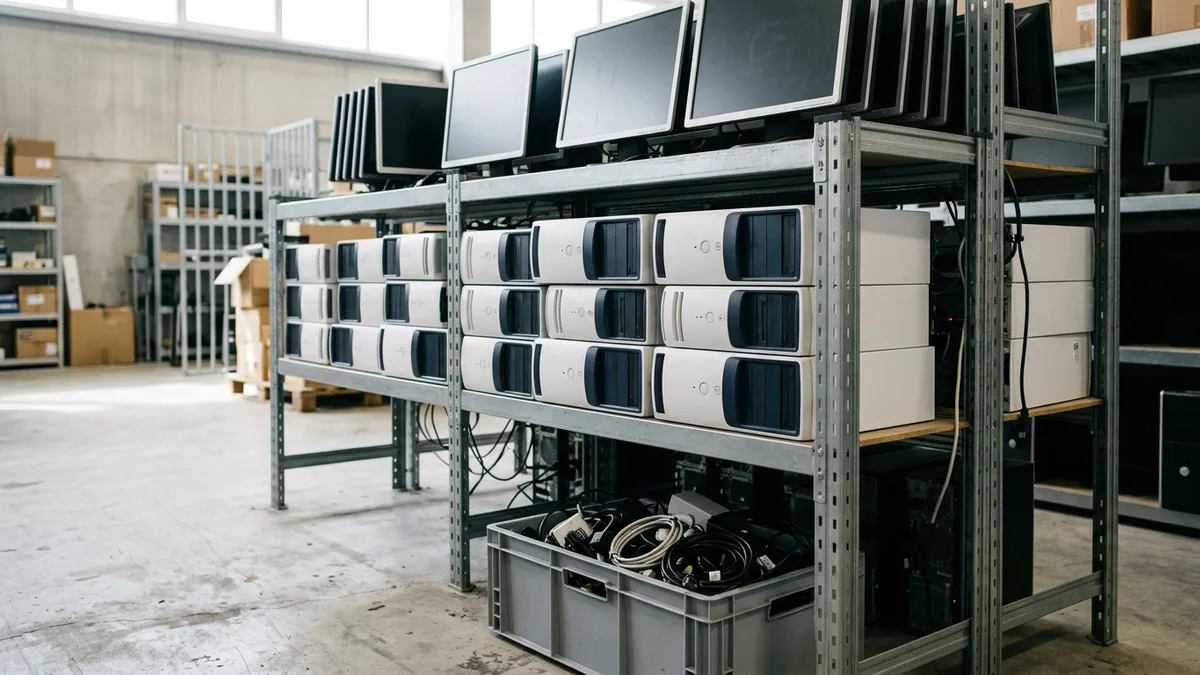
Say a company closes an office and lists forty desktops. They go as-is, with no grade and no warranty. A refurbisher selling similar machines usually states a grade and offers a short return window. Same model, different paper.
Say one of those desktops still runs Windows 10. Microsoft ended its standard security updates on October 14, 2025, so the machine now needs a newer operating system or a replacement, and either one costs money. Price that before you agree on the machine. Do it first.
Three dates and limits that move an IT purchase
October 14, 2025
is when Windows 10 reached end of support, and Microsoft stopped its standard security updates
January 2027
is when extended support for Windows Server 2016 ends, after mainstream support closed in January 2022
Source: Microsoft Learn, Windows Server 2016 lifecycle, read November 2026
$2,560,000
is the Section 179 expense limit for tax years beginning in 2026, and eligible property includes off-the-shelf software
Check these before you sign for IT hardware
More equipment financing pages
What businesses ask before they finance IT equipment
Can you finance servers, networking gear and computers?
Lenders commonly finance servers, networking gear and computers through a loan, an equipment finance agreement or a lease, and each lender sets its own rules on which items qualify and how they’re documented. Hardware is the easy part. Software, installation and support are where the answers split. Get the quote itemized, so you can see what each lender is actually covering.
Should I lease or buy IT equipment?
The better question is how long you’ll keep each device, because the refresh plan usually decides it. Gear you replace every few years suits a true lease with a planned return. Gear that stays in service for years, such as a core switch or a storage array, suits a loan or a $1 buyout lease, and plenty of businesses use both, so price two structures and compare the totals.
What happens to leased computers at the end of the lease?
A fair market value lease usually ends with a choice: return the equipment, renew the lease or buy it at what it’s worth then. A $1 buyout lease skips that choice, and the business simply keeps the equipment. Before you hand anything back, ask who wipes the drives, whether you’ll get a record of it, and what the return conditions say about damage, missing parts and return shipping. Ask early.
Can software and installation be financed with the hardware?
Short answer: it depends on the lender and the structure. Some lenders fold software licenses and setup work into one request and others cover hardware only, and a subscription that renews every year behaves differently from a license you buy once. Ask whether each item sits on its own line, and what happens to the other payments if you drop one. Details vary.
Can I deduct computers and software under Section 179?
For tax years beginning in 2026, the IRS sets the maximum Section 179 expense deduction at $2,560,000, reduced once qualifying purchases pass $4,090,000. IRS Publication 946 lists off-the-shelf computer software among eligible property and Form 4562 is where the election is made, but whether a lease qualifies depends on who owns the equipment for tax purposes. Consult your tax advisor before you pick a structure. Get the answer in writing.
Does an end-of-support date change when I should replace IT equipment?
Windows 10 reached end of support on October 14, 2025, and extended support for Windows Server 2016 ends in January 2027. After that date the machines keep running, but Microsoft stops providing standard security updates and technical help for that version, which makes the date a natural deadline for a lease term or a loan payoff. Microsoft’s Windows 10 notice and its Windows Server 2016 lifecycle page list the exact dates, so check every operating system and network product you own before you choose a term. Plan around them.
Got an IT quote in hand? Start there.
Leave your details along with what you’re planning to buy, or start your application online instead.